
Transform Your Teaching with Custom “I Spy” Games in Seconds!
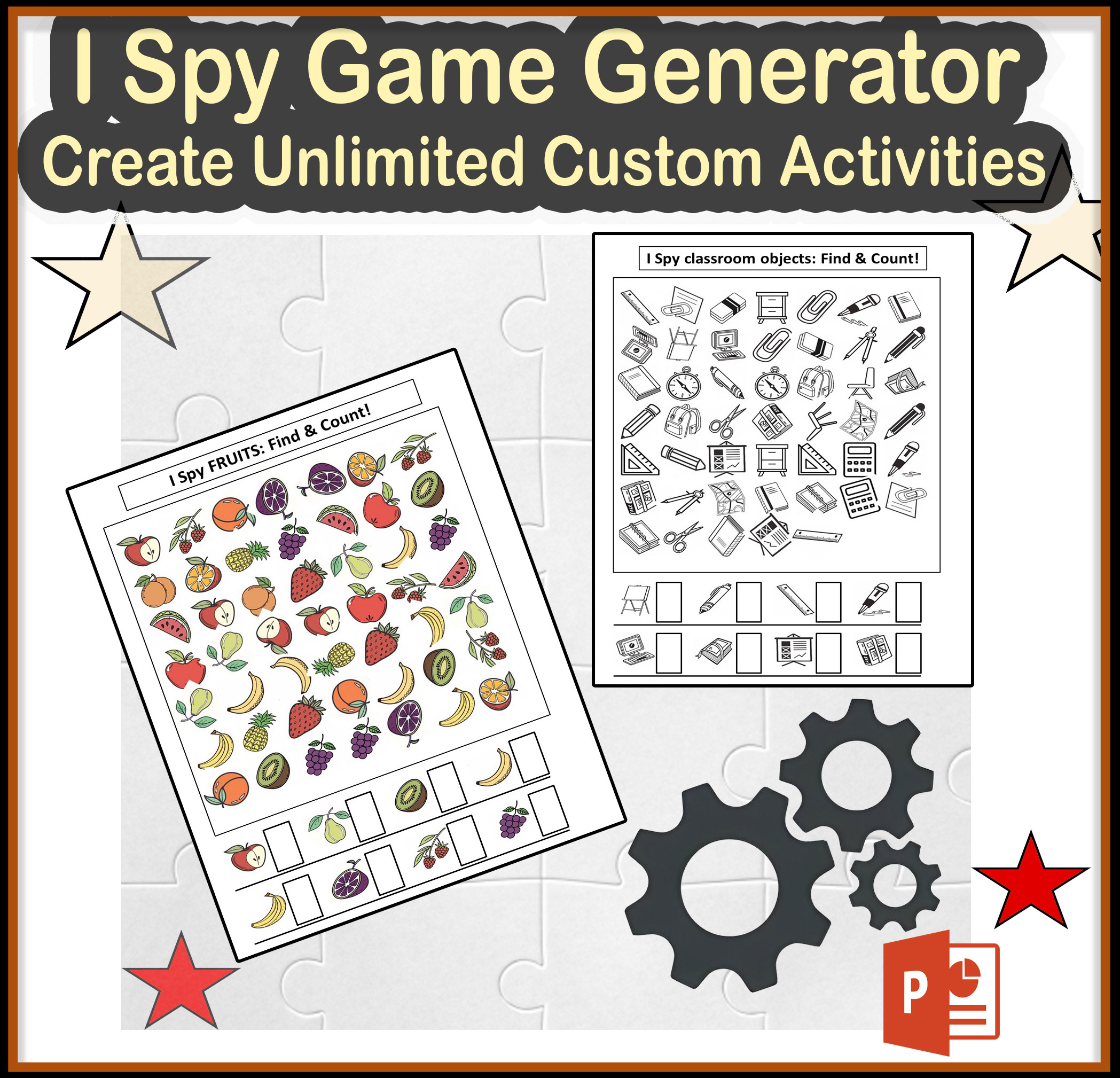
Are you tired of searching for the perfect I Spy activities that align with your curriculum? Say goodbye to hours of hunting or creating search-and-find worksheets by hand! This PowerPoint I Spy Game Generator lets you create UNLIMITED randomly custom I Spy games using your own images in just seconds.
What You’ll Get:
PowerPoint Macro (.ppsm file) with full instructions
Step-by-step installation guide
3 ready-to-use image packs (animals, fruits, classroom objects)
✨ Why Teachers Love This Tool:
Create custom games for ANY unit or theme in your curriculum
Differentiate instruction by controlling exactly which items students search for
Save hours of prep time while creating professional-looking activities
Generate unlimited variations so students never get the same game twice
This “I spy” game generator is also intended for TPT sellers to create their games and sell them on TPT
Perfect For:
Centers & Stations: Create themed I Spy games that reinforce vocabulary
Early Finishers: Generate new activities in seconds when students need enrichment
Special Education: Design custom visual search activities
ELL/ESL: Strengthen vocabulary with visual reinforcement
Parent Communication: Create take-home games that reinforce classroom learning
Seasonal Activities: Instantly make holiday and seasonal games
Distance Learning: Send digital versions for at-home practice
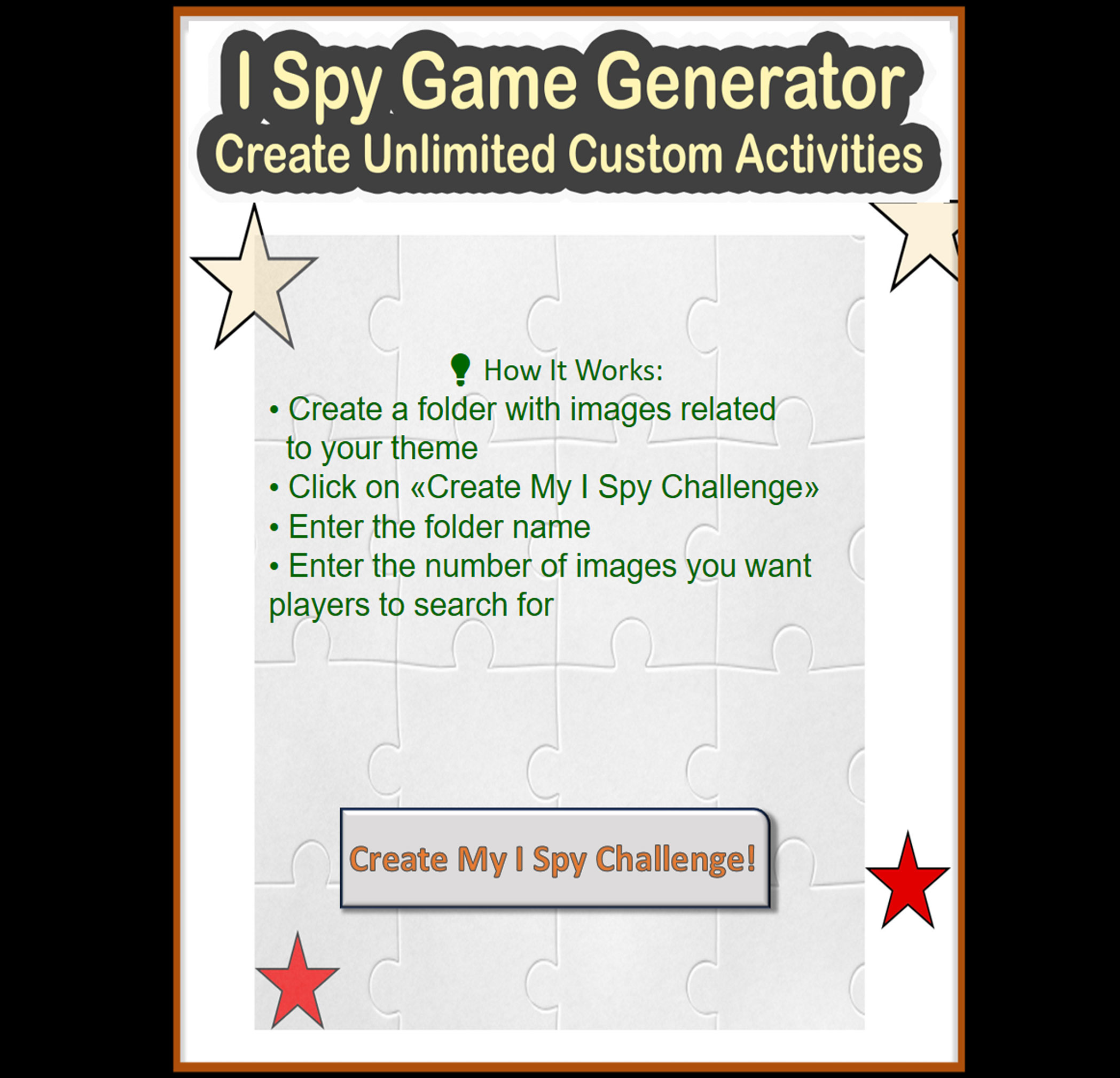
How It Works:
Create a folder with images related to your theme (or use our included image packs)
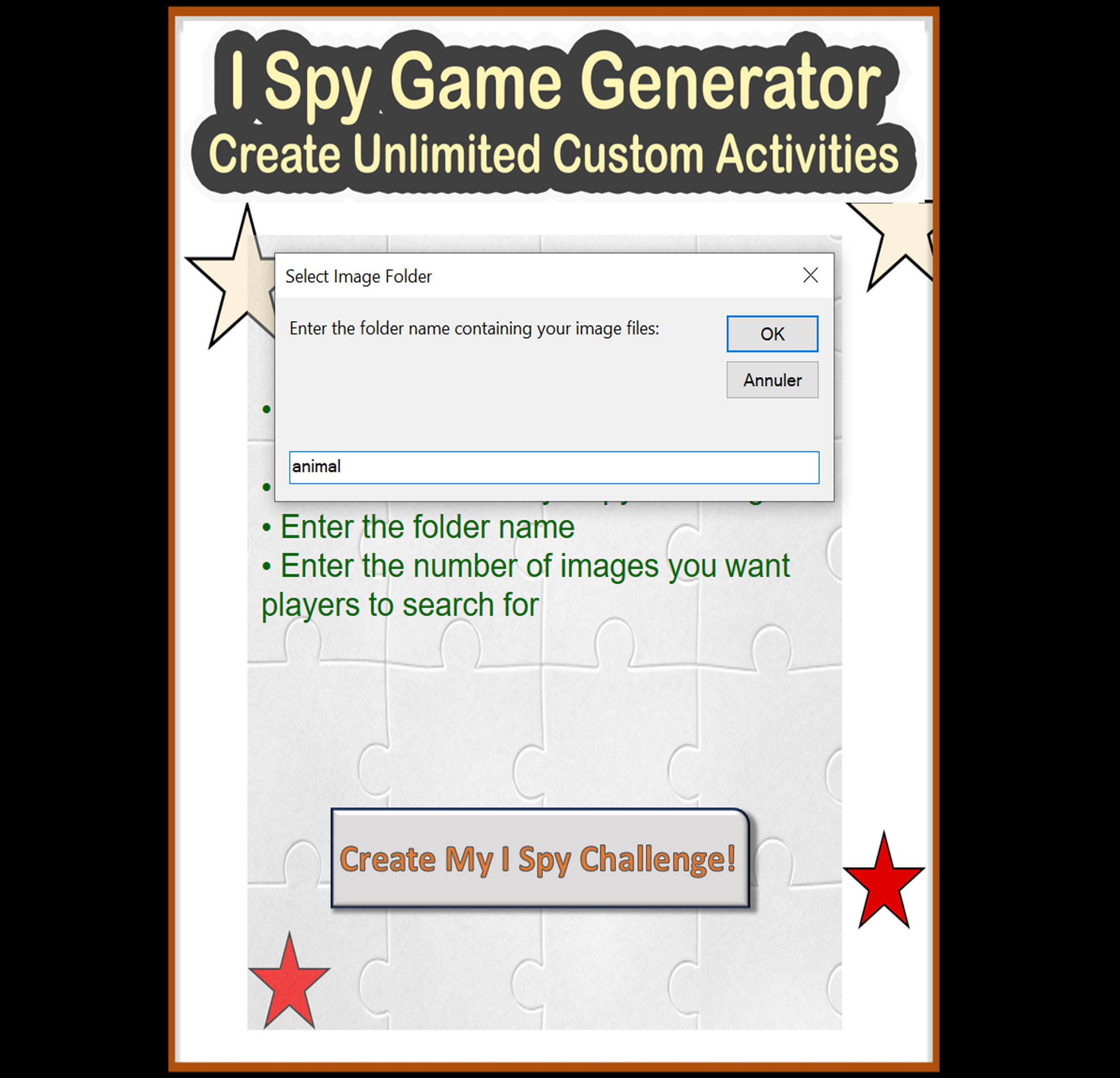
Run “I Spy Game Generator.ppsm” and Click on «Create My I Spy Challenge» Enter the folder name
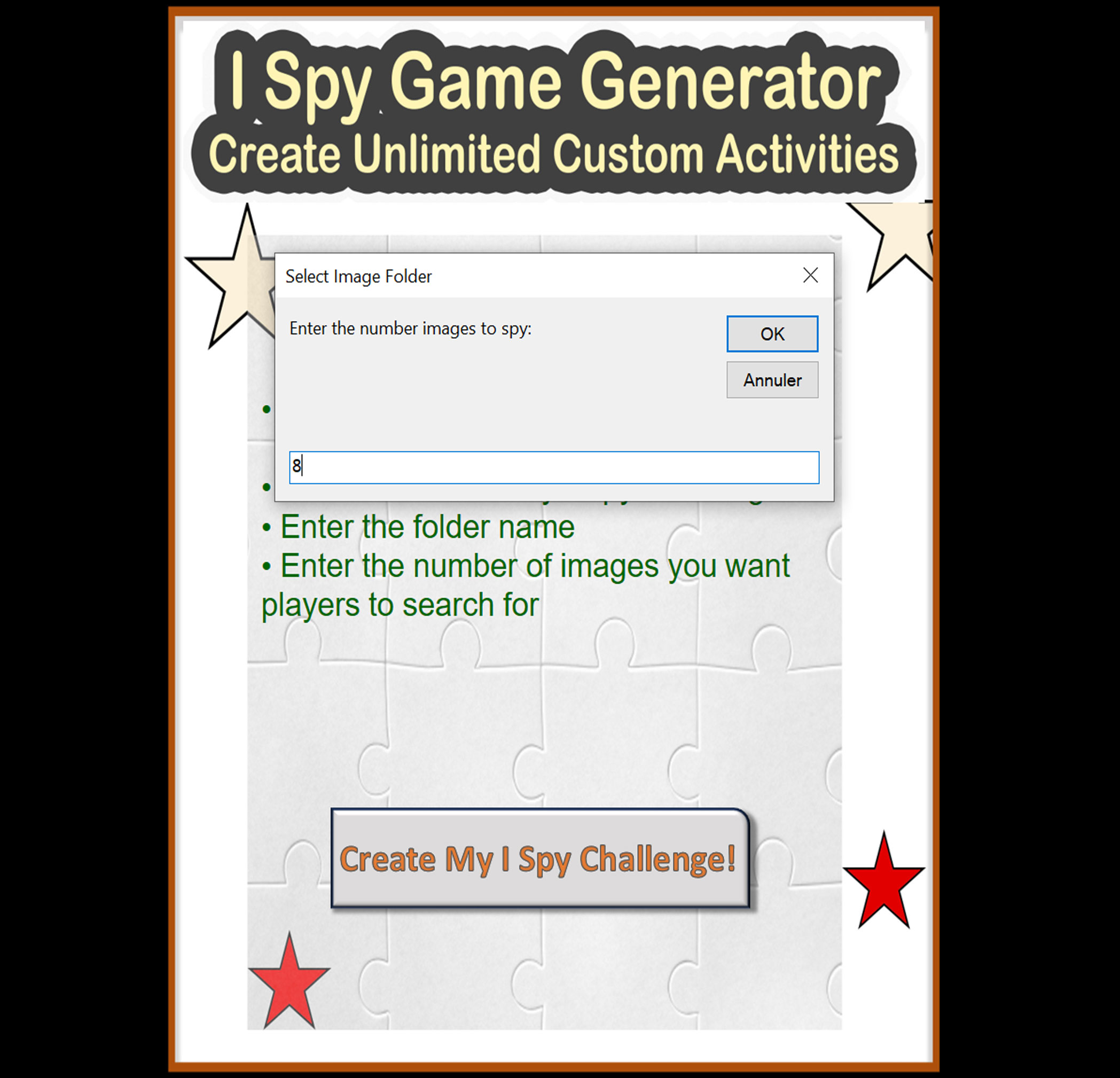
Select how many items you want students to search for
The generator instantly creates a professional I Spy game sheet
Print and use immediately!
Technical Requirements:
Microsoft PowerPoint 2016 or newer (Windows or Mac)
Basic knowledge of enabling macros in PowerPoint
Ability to create folders and save files on your computer
Updates For Life:
Purchase once and receive all future updates to this product at no additional cost!
Common Questions:
Q: Do I need design skills to use this?
A: Absolutely not! The generator does all the layout and design work for you.
Q: Can I use my own images?
A: Yes! That’s what makes this tool so powerful. Use any images you own or have rights to use.
Q: How many games can I create?
A: Unlimited! Create as many different games as you need.
Q: Does this work on both Windows and Mac?
A: Yes, as long as you have PowerPoint 2016 or newer.
Q: Can I share the games I create with my colleagues?
A: Yes! You can share the games you create, but the generator itself is for single-teacher use.
Standards Alignment:
This versatile tool can be used to create activities supporting various standards including:
Visual discrimination skills
Vocabulary development
Object identification
Classification and categorization
Following directions
Attention to detail
asdigitaly –
ok